
Article 2 of 4 in Accessibility and Inclusion
Empowering Every Learner: 5 Free Digital Accessibility Tools Every Student Needs to Know
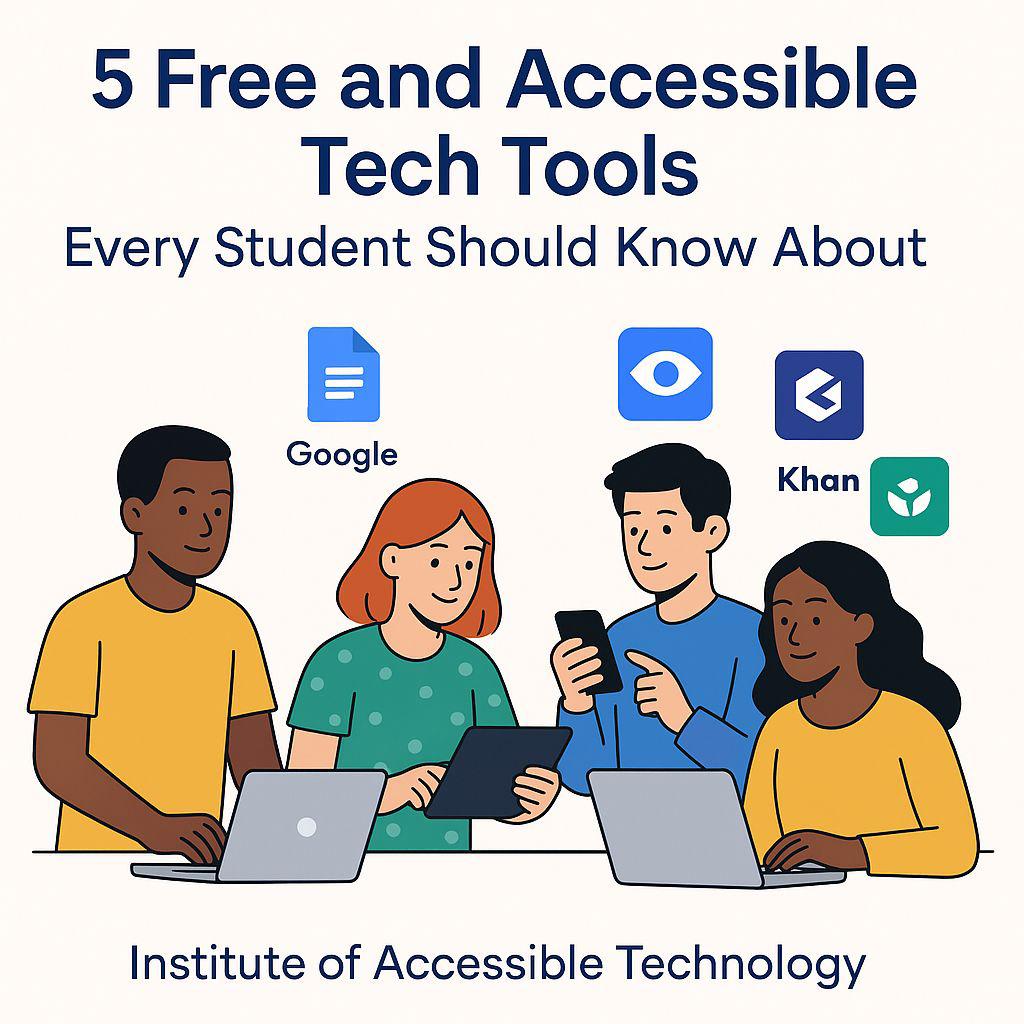
In today’s rapidly evolving educational landscape, digital tools are not just conveniences. they are essential pathways to knowledge, independence, and success. At the Institute of Accessible Technology, we are dedicated to bridging the gap between technology and inclusivity. Our mission is clear: to ensure that every student, regardless of ability, learning style, or circumstance, can access, engage with, and excel in their education through universally designed digital solutions.
Founded on principles of equity, innovation, and practical impact, the Institute of Accessible Technology has spent years researching, testing, and teaching the most effective accessibility tools and strategies. We don’t just recommend software. we train students, educators, and institutions on how to implement these tools with confidence and precision. This post is more than a list; it’s a starting point for transformative, inclusive learning.
Below, we introduce five completely free, widely available, and rigorously vetted digital tools that support diverse learners. including those with visual, auditory, motor, cognitive, or reading-based challenges. Each tool has been selected not only for its functionality but for its proven accessibility features and real-world impact in classrooms and homes worldwide.
1. Google Docs – Collaboration Meets Universal Access
Google Docs is a cornerstone of modern digital productivity, offering far more than basic word processing. This cloud-based platform allows multiple users to write, edit, and comment in real time. perfect for group projects, peer reviews, or teacher feedback. But its true strength lies in accessibility:
- Screen Reader Compatibility: Fully supports NVDA, JAWS, VoiceOver, and TalkBack with proper heading structures and alt text prompts.
- Voice Typing: Built-in speech-to-text enables hands-free document creation ideal for students with motor impairments or repetitive strain injuries.
- Automatic Saving & Cross-Device Sync: Work is preserved instantly and accessible from phones, tablets, or computers. no flash drives or lost files.
- Focus Mode & Readability Tools: Minimize distractions with clean layouts and integrated grammar suggestions.
Whether drafting essays, organizing research, or co-authoring lab reports, Google Docs removes barriers and fosters collaboration without compromise.
2. Microsoft Immersive Reader – Transforming How Students Read and Comprehend
Reading should never be a struggle. Microsoft Immersive Readerintegrated into Microsoft Word, OneNote, Teams, Edge, and available as a free web tool uses evidence-based techniques to support comprehension for all learners.
- Text-to-Speech with Syllable Highlighting: Words are read aloud with synchronized highlighting, helping students follow along and improve fluency.
- Focus Mode: Displays one, three, or five lines at a time to reduce visual overload. especially helpful for ADHD or dyslexia.
- Customizable Display: Adjust text spacing, font (including OpenDyslexic), color themes, and background to suit visual preferences.
- Picture Dictionary & Translation: Click any word for a visual definition or instant translation in over 100 languages.
- Grammar Tools: Break down sentences into parts of speech to deepen language understanding.
Used in schools globally, Immersive Reader turns dense textbooks, research articles, and assignments into manageable, engaging content.
3. Be My Eyes – Real-Time Visual Support Through Human Connection
For blind and low-vision students, navigating physical and digital environments independently is a daily goal. Be My Eyes makes it possible through a global network of sighted volunteers.
- Live Video Assistance: Connect instantly via smartphone camera to describe objects, read labels, or interpret diagrams.
- Specialized Help: Access dedicated support from companies like Microsoft, Google, and Lloyds Bank for product-specific guidance.
- Image Description (AI-Powered): Upload photos for detailed, instant descriptions when volunteers are unavailable.
- Completely Free & Ad-Free: Supported by donations and corporate partnerships. not user data.
From identifying lab equipment to reading handwritten feedback on graded papers, Be My Eyes empowers visual independence with dignity and speed.
4. Quizlet – Study Smarter with Multimodal, Accessible Learning
Memorization and active recall are proven study strategies but traditional flashcards exclude many learners. Quizlet reimagines studying with accessibility at its core.
- Audio-Enabled Flashcards: Every term and definition can be heard aloud. crucial for blind users or auditory learners.
- Screen Reader Optimized: Logical navigation and clear labeling ensure full usability with assistive technology.
- Adaptive Study Modes: Learn, Test, Match, and Gravity games reinforce retention through varied interaction.
- Diagram Labeling: Interactive visuals with alt text and audio cues support science and anatomy studies.
- Offline Access: Download sets for studying without internet vital in low-connectivity areas.
Millions of pre-made study sets are available, or students can create their own. making Quizlet a personalized, inclusive study companion.
5. Khan Academy – World-Class Education, Universally Designed
Learning should adapt to the student. not the other way around. Khan Academy delivers free, high-quality instruction across dozens of subjects with accessibility woven into every lesson.
- Closed Captioning & Transcripts: All videos include accurate, downloadable captions and full text transcripts.
- Audio Descriptions: Key visuals in math and science videos are described for blind learners.
- Interactive Exercises: Keyboard-navigable problems with instant feedback support motor and visual accessibility.
- Progress Dashboard: Track mastery with visual and screen-reader-friendly reports.
- Multilingual Support: Content available in 50+ languages with synchronized dubbing and subtitles.
From foundational arithmetic to advanced computer science, Khan Academy ensures no student is left behind regardless of pace or ability.
Why Accessibility Matters and Why We Exist
At the Institute of Accessible Technology, we’ve seen firsthand how the right tools, combined with proper training, change lives. A student with dyslexia who once avoided reading now leads study groups using Immersive Reader. A blind learner who struggled with diagrams now excels in biology thanks to Be My Eyes. These aren’t exceptions. they’re the standard we work to achieve.
But tools alone aren’t enough. That’s why we offer over 22 specialized, hands-on courses designed and taught by accessibility experts, educators, and lived-experience advocates. Our programs include:
- Windows Basics, Typing, and Screen Reader Course for Beginners
- Basic Word Processing with Microsoft Word
- Advanced Excel for Data Analytics
- Web Development with WordPress
- Enhancing Teaching with Technology for Teachers with Blindness
- And many more updated regularly to reflect the latest standards and innovations
All courses are delivered online with live captioning, sign language interpretation (upon request), and fully accessible materials. We practice what we teach.
Conclusion: Your Accessible Future Starts Today
Technology is only truly powerful when everyone can use it. The five tools above represent the gold standard in free, accessible education technology but mastery comes with guidance, practice, and community.
The Institute of Accessible Technology is here to provide all three. We don’t just share tools we build skills, confidence, and independence that last a lifetime.
Join thousands of students, parents, and educators who have transformed their learning through our proven, expert-led training programs.
Ready to take control of your digital learning experience? Click here to explore our courses and begin your journey toward inclusive, empowered education today.